Neighbourhood Housing Tracker
An n8n workflow that scrapes housing listings, syncs new and sold records into Airtable, and sends recurring summary and error alerts.

Built an n8n workflow to monitor local housing listings, compare scraped records against Airtable, classify changes, and send summary and error alerts on a recurring schedule.
Context
I built this while selling an apartment and trying to track neighborhood pricing more systematically. The original process was more manual: scrape or copy information, update records, and try to notice what had changed since the last check.
That worked at small scale, but it was not reliable enough for repeated use. I wanted a workflow that could run on a schedule, keep the dataset current, and highlight what actually changed without requiring manual comparison every time.
What the workflow does
On each run, the workflow:
- scrapes listing data from housing pages
- extracts structured fields from the scraped content
- normalizes listing IDs so records can be matched consistently
- compares scraped listings against existing Airtable records
- classifies records into
new,existing, andsold - inserts new records directly into Airtable
- updates sold records when previously tracked listings disappear from the source set
- sends a summary email for successful runs
- sends an error alert if the workflow fails
Why it became more complex than expected
At first, this looked like a straightforward automation upgrade. In practice, the complexity came from reliability and edge cases rather than from the high-level idea.
Scraping introduces inconsistent inputs. Records need to be compared across runs. Missing or mismatched IDs can create duplicate or incorrect states. Once OpenAI extraction was added, token usage also became a design constraint rather than just an implementation detail.
That meant the real work was not only “get the data,” but also:
- decide how to sort and compare records without missing edge cases
- make sure information is passed accurately from one node to the next
- keep API usage cost-conscious when using a personal OpenAI key
- add rate limits and operational safeguards so the workflow behaves predictably over time
Technical decisions
- I used
o4-minias a pragmatic model choice because it was accurate enough for the job while keeping token cost under control. - I matched records through normalized numeric
listing_idvalues to make comparison logic more stable. - I treated sold listings as a comparison problem: if a tracked Airtable record no longer appears in the scraped result set, it is classified and updated accordingly.
- I kept summary and error notifications separate so normal reporting and failure handling would not interfere with each other.
- I used Codex during implementation to work through node logic, data handoff, and edge cases faster, while keeping the workflow design decisions intentional.
Outcome
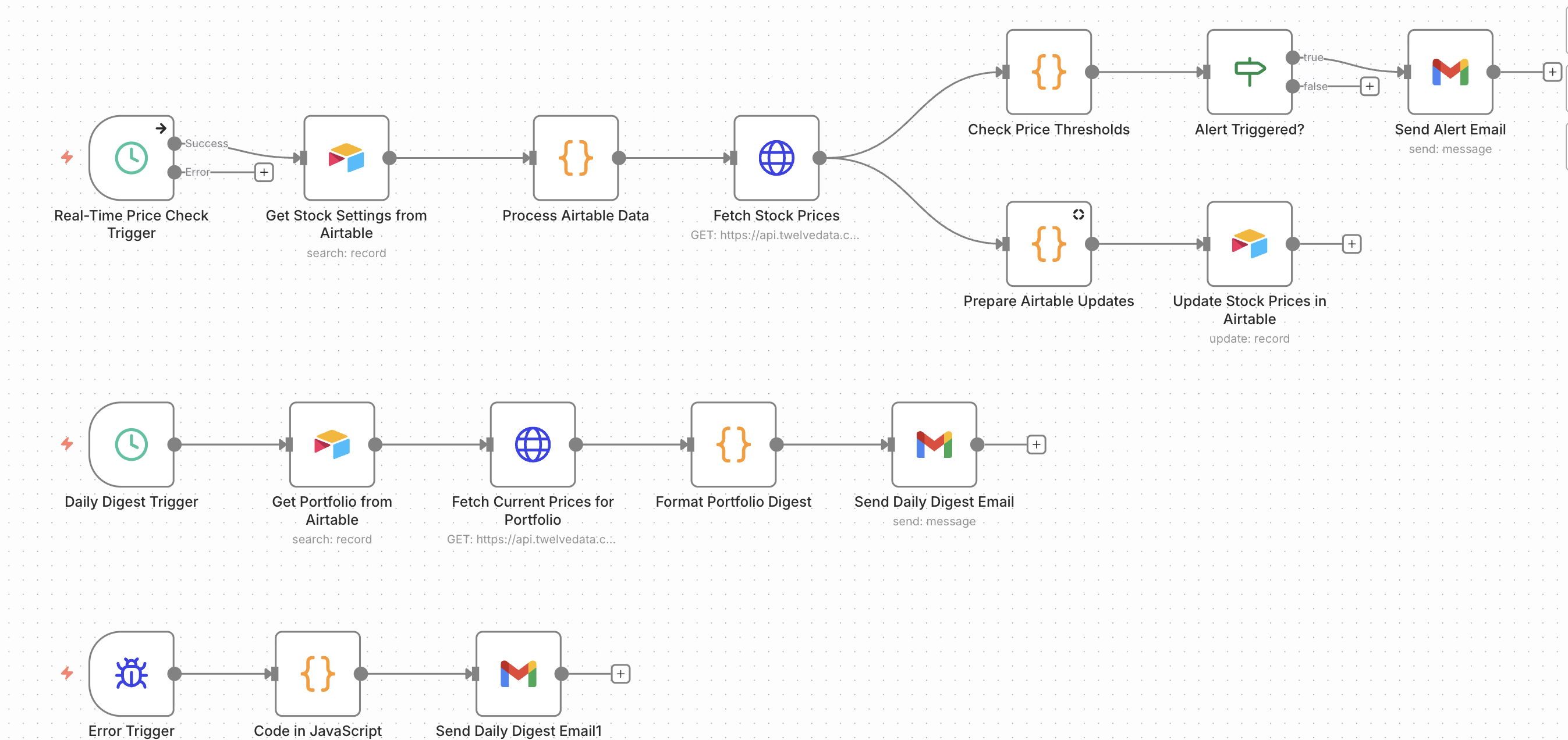
The result is a working internal automation that replaced a more fragile Python and Google Sheets process with a more structured system in n8n. It runs every two days, keeps the dataset current, and saves time on recurring tracking.
Just as importantly, it made the process more inspectable: instead of manually checking what changed, I now have a workflow that explicitly classifies changes and reports on them.
What I learned
This project reinforced that the hard part of automation is often not the first successful run, but making the system reliable enough to trust repeatedly. Scraping, token cost, branching logic, and node-to-node data accuracy all become real product and engineering decisions once a workflow has to keep working over time.
Tools & Methods
Let's talk
Working on something complex?
Good judgment, real problem, difficult environment. I'd like to hear about it.